- Get link
- X
- Other Apps
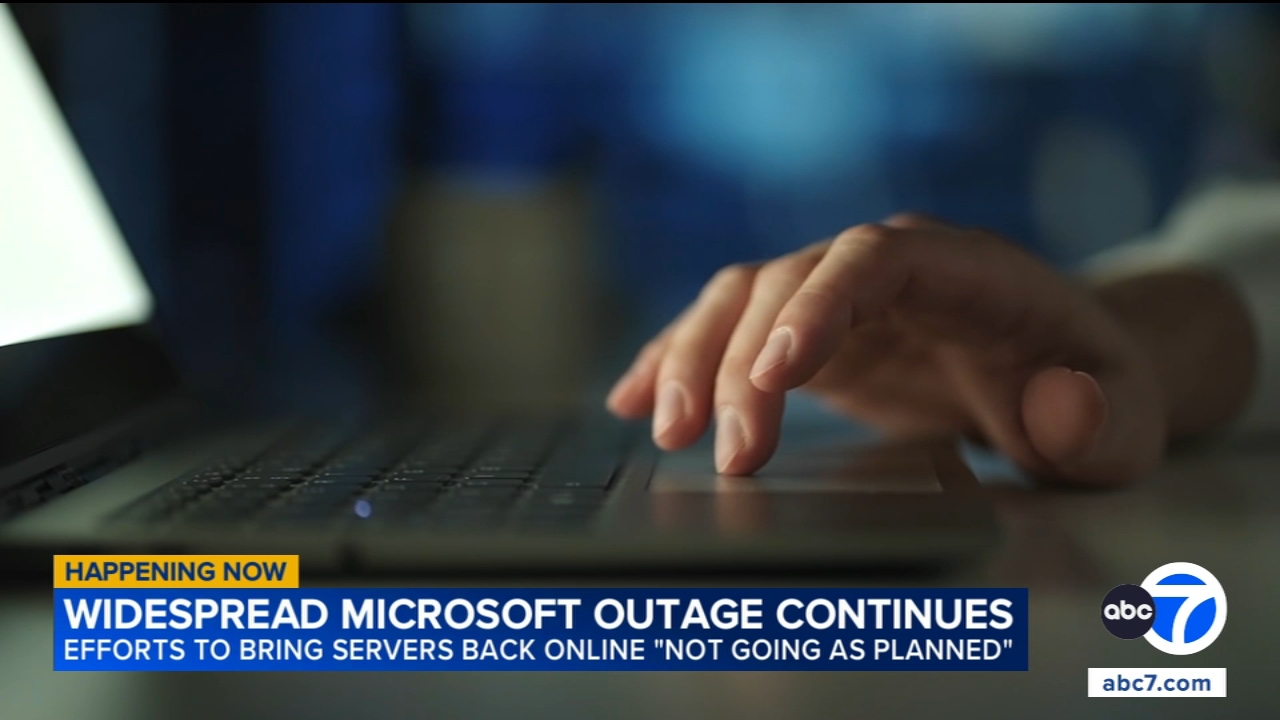
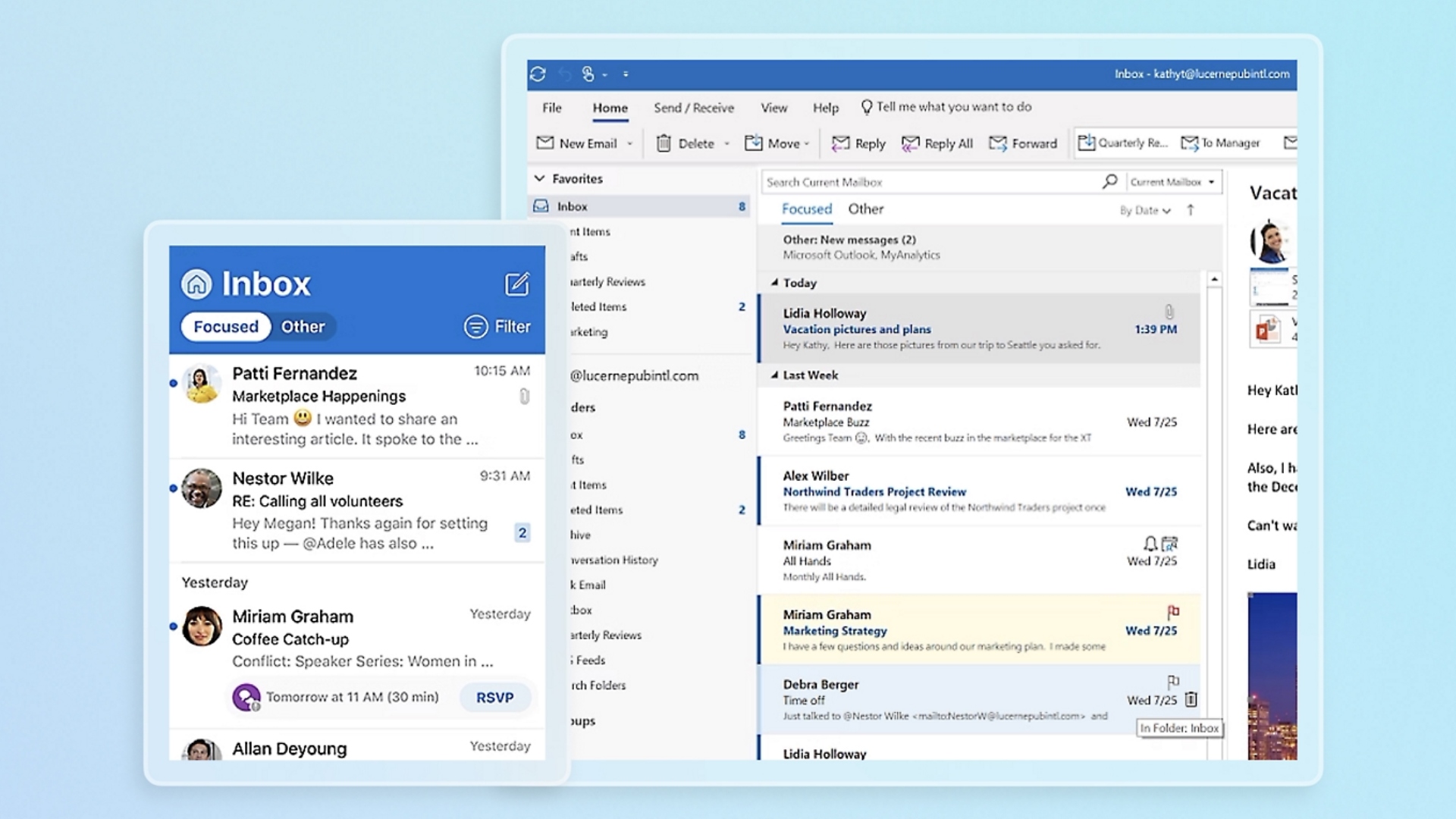
Microsoft Outlook stopped working across the USA on November 13, 2026. Millions of workers and students opened their email in the morning only to see blank screens and error codes. If your inbox failed to load today, you were definitely not the only one dealing with it.
The sudden outage blocked people from sending emails, checking calendars, and opening shared files. Microsoft tracked the issue to a bad software update on their cloud servers. Engineers spent hours reversing the update to get millions of business accounts back online.
What Happened to Microsoft Outlook Today?
The problems started early in the morning on the East Coast. People tried to log into their email accounts at 8:00 AM, but the app just kept spinning. Many users saw a message saying the server could not be reached. Others could open the app, but their send button simply did not work.
By 9:30 AM, thousands of reports flooded into outage tracking sites. Office workers could not reach clients, and schools could not send out morning news. It turned into a huge mess for teams that rely on Microsoft 365 every day. My own inbox sat empty for hours while I waited for an important reply from my team.
The outage hit major cities from New York to Los Angeles. It did not just affect the desktop software either. Web browsers and phone apps both failed to sync new messages. When a central system breaks like this, everything linked to it stops working at the exact same time.
Why Did Microsoft Servers Go Down?
Microsoft checked their system health board once the complaints piled up. They found that a fresh update sent to their server hubs caused the system to crash. This update was meant to make security stronger, but it accidentally broke how servers talk to each other.
Think of it like changing the locks on your house, but forgetting to give the key to the mailman. The system locked out legitimate traffic because it thought the requests were broken. When millions of phones and computers tried to check for email at once, the servers became totally overwhelmed.
Tech teams had to pause the update right away. They spent the next few hours rolling back the code to an older, working version. Reverting changes on thousands of servers takes a lot of time. That is why the service did not pop back up in a single second.
How the Outage Affected Businesses and Schools
A simple email crash causes a massive chain reaction across the country. Companies could not send invoices, setup sales calls, or confirm travel plans. Customer service teams could not view support tickets, which left buyers waiting in long virtual lines.
Schools faced their own set of problems. Teachers who store their lesson plans in online calendars could not get to their files. Some online classes had to stop completely because students could not get their access codes sent over email. It shows just how much we rely on one system to run our daily routines.
Many offices had to switch to text messages or chat apps like Slack just to talk to each other. Workers spent the morning asking if the internet was down for everyone else. It was a clear reminder that having only one way to talk to your team can turn into a big trap.
When Did Microsoft Fix the Outage?
Microsoft engineers worked fast to fix the bad code. By 1:00 PM Eastern Time, they announced that the rollback was mostly finished. They watched the web traffic slowly return to normal levels as servers across the country came back online.
Most users saw their email start working again by mid-afternoon. However, some inbox folders took extra time to show up. Millions of emails were stuck in a long line waiting to deliver. It took a couple more hours for all those held-up messages to finally arrive in your inbox.
By the end of the workday, Microsoft confirmed that all major services were stable. They posted a final update saying they will study the bug so it does not happen again. Yet, many people were left wondering how to protect their work the next time a big service crashes.
Is Outlook Still Down for You? Try These Quick Steps
Even when a main outage ends, your own computer might still act stuck. The app sometimes holds onto bad data from the morning crash. You can fix most lingering problems on your own in just a couple of minutes.
First, close your email program completely and open it again. This forces the app to reach out to the server and grab fresh settings. If that fails, restart your computer or your phone. A full restart clears out temp files that might be trapping the old error message.
Second, try logging into the web browser version instead of the phone app. The web portal often recovers faster than desktop apps after a big crash. If you still see errors, check your internet connection or clear your browser cache to start fresh.
How to Stay Ready for the Next Cloud Outage
Big tech outages are going to happen again no matter how good these companies are. A single code error can take down tools used by half the world. The best thing you can do is build a small backup plan so your day does not completely fall apart.
- Keep an extra communication app active with your team, like a simple group chat or phone list.
- Save important daily files directly onto your computer hard drive so you can read them without internet.
- Check official status pages before spending an hour trying to fix your router or change your password.
Did your workday get completely paused by the outage today? It is always a good idea to step back, take a break, and let the server teams do their jobs. What is your favorite backup tool when your main work apps stop responding?
Comments
Post a Comment